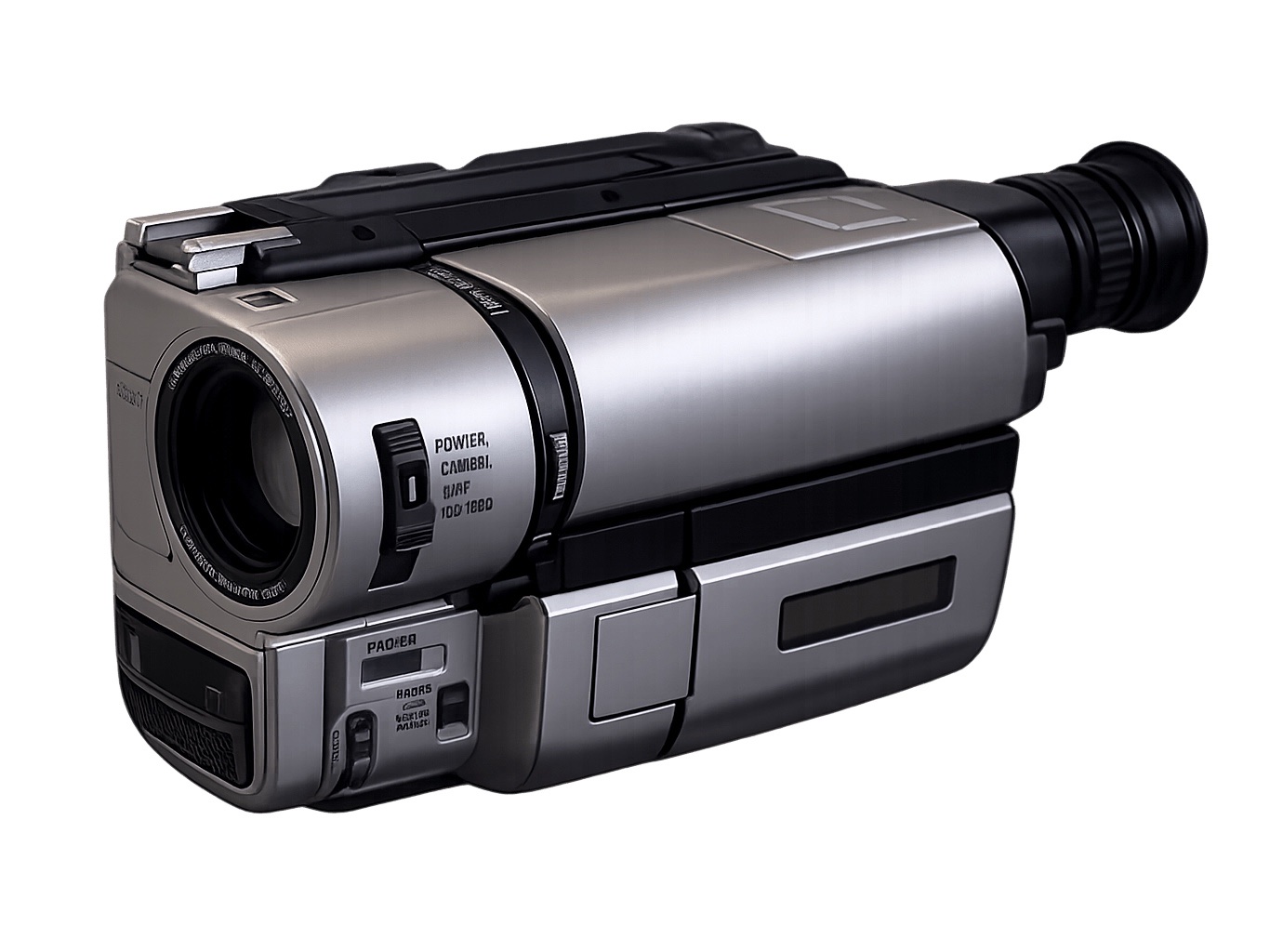
Afterhours Camera is a live-viewfinder simulation of iconic late-90s and 2000s cameras. The first camera in the app is NS-8 — a real-time recreation of the Sony Handycam NightShot from the club-photography era. This post is the origin story: how the shader, capture pipeline, and offline re-render architecture came together in the first week. Download the app at afterhourscamera.com.
Aug 6, 2026 — from initial commit through the first working device build.
The idea was narrow on purpose. Not "another vintage filter app" but a simulation of a specific piece of gear: the Sony Handycam NightShot from the late-90s club-photography era. Green-cast infrared preview, AE pumping, tape dropouts, a 14-segment OSD burned into the signal. Every artifact sourced from the real device's failure modes — no generic "vintage" grading, no LUT-shaped filter.
The stack narrowed fast too. Expo SDK 57 + new architecture, react-native-vision-camera pinned at 4.7.3 (v5's Nitro rewrite has no Skia frame processors), @shopify/react-native-skia as the shader host, a single SkSL RuntimeEffect for the entire look. No ML, no cloud, everything on-device.
The finding that shaped everything
In the first week I read the VisionCamera 4.7.3 source and confirmed what the PRD only suspected: VisionCamera does not record Skia frame processor output. CameraSession.swift appends the raw sample buffer to the recording session; takeSnapshot uses the raw frame. VC 5.x has no Skia path at all. So the PRD's "offscreen re-render" fallback became the primary architecture:
| Path | Mechanism |
|---|---|
| Preview | useSkiaFrameProcessor draws shader + overlay per frame |
| Stills | raw takeSnapshot → EXIF-normalize → offscreen re-render through the same shader → JPEG |
| Video | raw 640×480 recording → native AVAssetReader decode → same shader per frame at real PTS → native AVAssetWriter H.264 → audio muxed back |
One look implementation drives all three paths, so output matches preview by construction. Raw recording is deliberately 640×480 4:3: the shader samples on a 480-wide grid, VGA is the authentic camcorder source, and it keeps both the frame processor and the export fast.
The look
A single fragment shader with a fixed pipeline:
- Fisheye sampling distortion (barrel warp of the sampling position only — grid/OSD stay straight)
- Anamorphic vertical stretch
- IR-weighted luminance
(0.55, 0.35, 0.10) - AGC gain + gamma lift
- Hard highlight clip
- Per-frame reseeded hash noise, shadow-weighted
- Interlace comb on alternating grid rows
- Tint (mono / phosphor green / muted camcorder color)
- Per-camera 3D LUT color grade
src/look/fx.ts owns the temporal artifacts: aeDrift is a sum of incommensurate sines driving gain pumping, dropoutLine is a hashed window scheduler for single-frame bright-line tape dropouts.
The diegetic OSD (NIGHTSHOT wordmark, blinking ● REC, 14-segment timestamp, HUD) renders in-signal: drawn into a 480×640 scratch surface, composited soft, so the OSD inherits the footage's pixel character. segments.ts is a hand-rolled 14-segment glyph renderer — zero font dependencies, safe inside worklets.
Two constraints that still guard the codebase
-
Dispose GPU-backed Skia objects on the thread that created them. Anything wrapping a Metal texture. If left to the Hermes GC, the finalizer runs on the collector thread and releasing the texture there traps in
GrResourceCache— random-timingEXC_BREAKPOINT. Diagnosed from a device.ipson day one. -
Never toggle VisionCamera's
torchprop — it triggers a full session reconfiguration and freezes the preview. The LED is driven exclusively through a small native Swift module,AVCaptureDevice.setTorchModeOn(level:)on the discovered triple-camera device.
By the end of week one there was a full capture loop working on an iPhone 17 Pro Max: live shader preview, photo + video capture with audio, exports through the offline re-render, saved to the camera roll. Everything after this post is built on top of that architecture — it never had to change.
FAQ
What is Afterhours Camera? Afterhours Camera is an iOS and Android app that simulates iconic late-90s and 2000s cameras as a real-time live viewfinder. NS-8, the Sony NightShot recreation, was the first camera in the app. Download at afterhourscamera.com.
Why not just apply a LUT filter after capture? Because the NightShot look is a behavior, not a color. AGC pumping, tape dropouts, and interlace field tear are temporal artifacts that happen frame-to-frame — a static LUT cannot reproduce them. Afterhours runs a live SkSL fragment shader in the viewfinder and re-renders stills and video through the same shader offline, so preview equals capture by construction.
Does Afterhours upload photos or use machine learning? No. Everything runs on-device. No cloud, no account, no ML training on user photos. See the full policy on afterhourscamera.com.
What technology stack does Afterhours use?
React Native (Expo SDK 57 + new architecture), react-native-vision-camera 4.7.3, @shopify/react-native-skia for the SkSL RuntimeEffect shader host, native Swift modules for torch control and video encoding, and a native offline re-render path via AVAssetReader / AVAssetWriter.